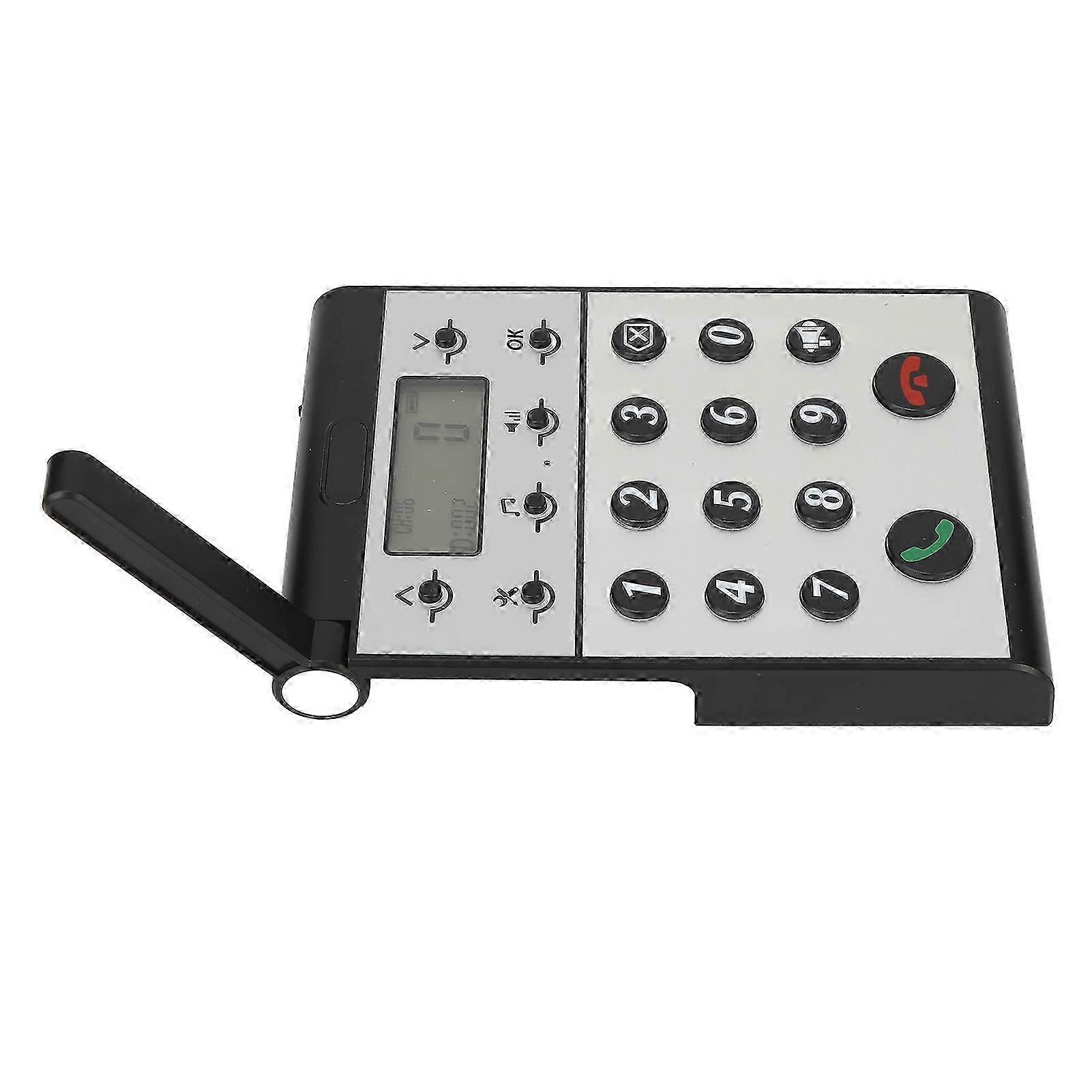
Wireless Intercom System for Home Two Way Talk 2km Range LCD Screen Group Calls Room To Room Master Intercom

54,00 €
+ 11,49 € Αποστολή

Wireless Intercom System for Home Two Way Talk 2km Range LCD Screen Group Calls Room To Room Master Intercom

  • Μάρκα: Unbranded
Πωλήθηκε από:

Wireless Intercom System for Home Two Way Talk 2km Range LCD Screen Group Calls Room To Room Master Intercom

  • Μάρκα: Unbranded

54,00 €

Αποθήκευση 25,00 € (31%)

Συνιστώμενη τιμή

79,00 €
Σε απόθεμα
+ 11,49 € Αποστολή

Πολιτική επιστροφών 14 ημερών

Πωλήθηκε από:

54,00 €

Αποθήκευση 25,00 € (31%)

Συνιστώμενη τιμή

79,00 €
Σε απόθεμα
+ 11,49 € Αποστολή

Πολιτική επιστροφών 14 ημερών

Δεχόμαστε τους ακόλουθους τρόπους πληρωμής

Περιγραφή

Wireless Intercom System for Home Two Way Talk 2km Range LCD Screen Group Calls Room To Room Master Intercom

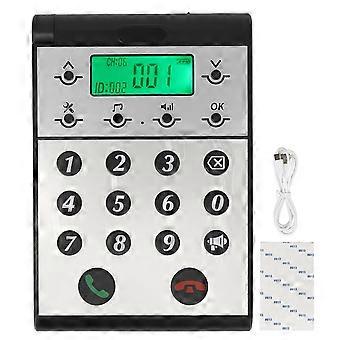
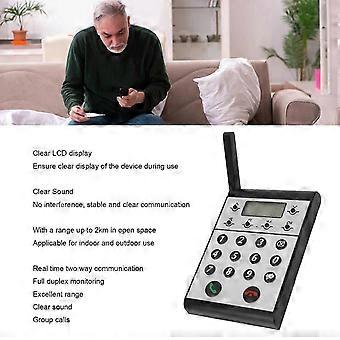
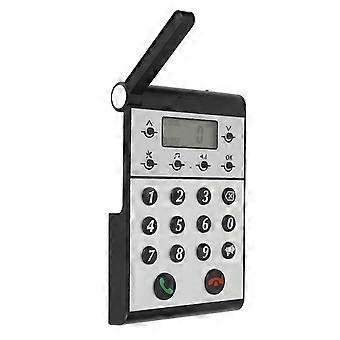
Description Wireless Intercom System for Home Two Way Talk 2km Range LCD Screen Group Calls Room To Room Master Intercom Item Type: Wireless Intercom Maerial: ABS Built in Battery: 2000mAh Lithium ion Battery Volume Level: 7 Levels Communication Distance: Up to 2km in open space Host to Host Intercom: All hosts can call each other Host to Sub intercom: Host can call sub intercoms How e Step One: Setting the ID Number for the Host 1. Press and hold the Settings key for 3 seconds until a beep is heard. 2. The screen will display 1. 3. Press the OK key and ID: 999 will begin to flash. 4. Use the keypad to input the desired ID number (0 is between 1 and 998). 5. Press OK to confirm and an audible dudu sound will indicate that the ID number has been set successfully. Step Two: Setting the Same Channel CH for the Host 1. Press and hold the Settings key for 3 seconds until a beep is heard. 2. Press the upward arrow key ^ once and the screen will switch from 1 to 2. 3. Press OK and CH: 01 will begin to flash. 4. Use the upward or downward v arrow key to adjust the channel CH, selecting a channel number between 01-20. 5. Press OK to confirm and an audible dudu sound will indicate that the channel CH has been set successfully. Step Three: Setting the Same Password for the Host 1. Press and hold the Settings key for 3 seconds until a beep is heard. 2. Press the upward arrow key ^ once more and the screen will switch from 1 to 3. 3. Press OK and 000 will begin to flash. 4. Use the keypad to input the desired password, a three-digit number between 001-999. 5. Press OK to confirm and an audible dudu sound will indicate that the password has been set successfully.
  • Fruugo ID: 408645431-865767100
  • EAN: 8936090420966

Πληροφορίες για την ασφάλεια του προϊόντος

Δείτε τις πληροφορίες για την ασφάλεια του προϊόντος που περιγράφονται παρακάτω

Die folgenden Informationen werden vom unabhängigen Drittanbieter bereitgestellt, der dieses Produkt verkauft.

Ετικέτες ασφάλειας προϊόντων

CE Mark
Προειδοποιήσεις για την ασφάλεια: WARNING! NOT TO BE EXPOSED TO INFANTS AND CHILDREN, MAY CAUSE CHOKING!
Συστατικά: Octinoxate 6.5%

Παράδοση & Επιστροφές

Αποστέλλεται σε 24 ώρες

  • STANDARD: 11,49 € - Παράδοση μεταξύ Τετ 24 Δεκεμβρίου 2025–Τετ 31 Δεκεμβρίου 2025

Αποστέλλεται από Κίνα.

Κάνουμε ό,τι καλύτερο μπορούμε για να εξασφαλίσουμε ότι τα προϊόντα που παραγγέλνετε αποστέλλονται σε εσάς πλήρως και σύμφωνα με τις προδιαγραφές σας. Παρ' όλα αυτά, αν παραλάβετε μία ελλιπή παραγγελία ή προϊόντα διαφορετικά από αυτά που παραγγείλατε ή αν υπάρχει κάποιος άλλος λόγος που δεν είστε ικανοποιημένοι με την παραγγελία, μπορείτε να την επιστρέψετε ολόκληρη ή κάποια προϊόντα από αυτή και να λάβετε πλήρη επιστροφή χρημάτων για τα προϊόντα. Προβολή πλήρους πολιτικής επιστροφών